Hi,
I just bought the Folocam kit and we are about to begin our indoor dome soccer season. Has anyone filmed in a full field dome? Any tips on tripod height and settings?
Thanks in advance.
I record hockey, so same sorta low light situation. Never really had an issue there. I can’t speak for soccer…. but in general, be ready for some “trial and error” for the first few games. First game out, just set it up and record. See what comes of it. See what works or didn’t. Next game out try cycling through different configurations. every 15-20 min try a new set up. 10 feet hight, 14 feet high. Right on the sideline. maybe back 10 -15 feet from sideline. Obviously you want to be at the centre of the field.
For hockey I’m up roughly 11-13 feet. When I’m right on the boards there’s a bit of a blinspot right underneath as players come up the sides and tracking lags a bit. I might try going back a bit further.
That’s good advice. I was concerned with lighting and also that I wouldn’t have a lot of space given the dome curves overhead. I’ll use my other device as backup so I can try this out. Thanks!
Hi everyone,
I’m the social media manager for an 11-a-side soccer club, and I also handle content for the club’s futsal team.
We currently use the VEO system for our 11-a-side team, but I’ve been looking for something more straightforward and efficient to create content for both our outdoor soccer and futsal teams.
I came across your solution and decided to join the discussion because I started using FoloCam yesterday after purchasing a subscription. I already own an Insta360 Flow 2 Pro gimbal, so I was particularly interested in giving it a try.
Here’s the setup I used:
Location: Indoor sports gym
Gimbal: Insta360 Flow 2 Pro
Tripod: Manfrotto
Phone: iPhone 15 Pro Max
Camera position: High up in the stands, directly overlooking the center of the court
Tracking mode: Soccer PRO
Zoom: Fixed 1x
Recording settings: 4K at 30 fps
Lighting: Good indoor lighting conditions
My experience was a bit of a mixed bag.
There were definitely some positive aspects, but I noticed that the system frequently struggled to keep up with the action.
Futsal is a very fast-paced sport, much like hockey, with quick transitions and sudden changes of direction.
One issue I noticed was that whenever an attacking play ended with a shot on goal, the camera would often fail to follow the ball. Instead, it would stay focused on the player who took the shot. As that player started running back toward his own half, the camera would follow him, completely missing the opposing team’s counterattack.
I also found the gimbal movements to be particularly abrupt. Both the panning and the stopping felt quite jerky, with little to no smooth deceleration. In some cases, the sudden stops were so aggressive that they actually caused the gimbal itself to vibrate.
Overall, I think the concept behind FoloCam is really interesting and has a lot of potential. However, based on my initial experience, I feel the system still needs some work before it’s truly ready for the fast-paced nature of futsal.
I’m currently downloading the recorded footage, and I’d be more than happy to share it with your team. I hope my feedback and the actual recording can help you identify these issues and continue improving the app.
I’d really like to see this solution succeed, as I believe it could become a great tool for clubs like ours!
Thanks for sharing your experience. I plan to run some tests next week at practice. Of particular interest is auto-zoom. I read from other posts that it should be 2x to focus on the ball but, in a dome, I barely have 3’ from the sideline so if the action gets close, I think it would be zoomed in too much.
I’ll share the footage from all three 25-minute periods tonight so you can see how the recording turned out.
The zoom level should be based on the size of the field: 2x for a standard full-size field, 1.5x for a half-size field, and 1x for a quarter-size field. Unless your indoor dome has a full-size field, 2x would be too much zoom.
it’s a full size field but there’s virtually no room on the sidelines so I’m afraid if the play is on the side of the camera that it’d be zoomed in too much. Hence my interest in auto-zoom.
As promised, I’m sharing the three recordings I made during the match. I think this footage could also be helpful for the developers to better understand the fast-paced nature and dynamics of futsal, and hopefully use these insights to improve the overall recording experience.
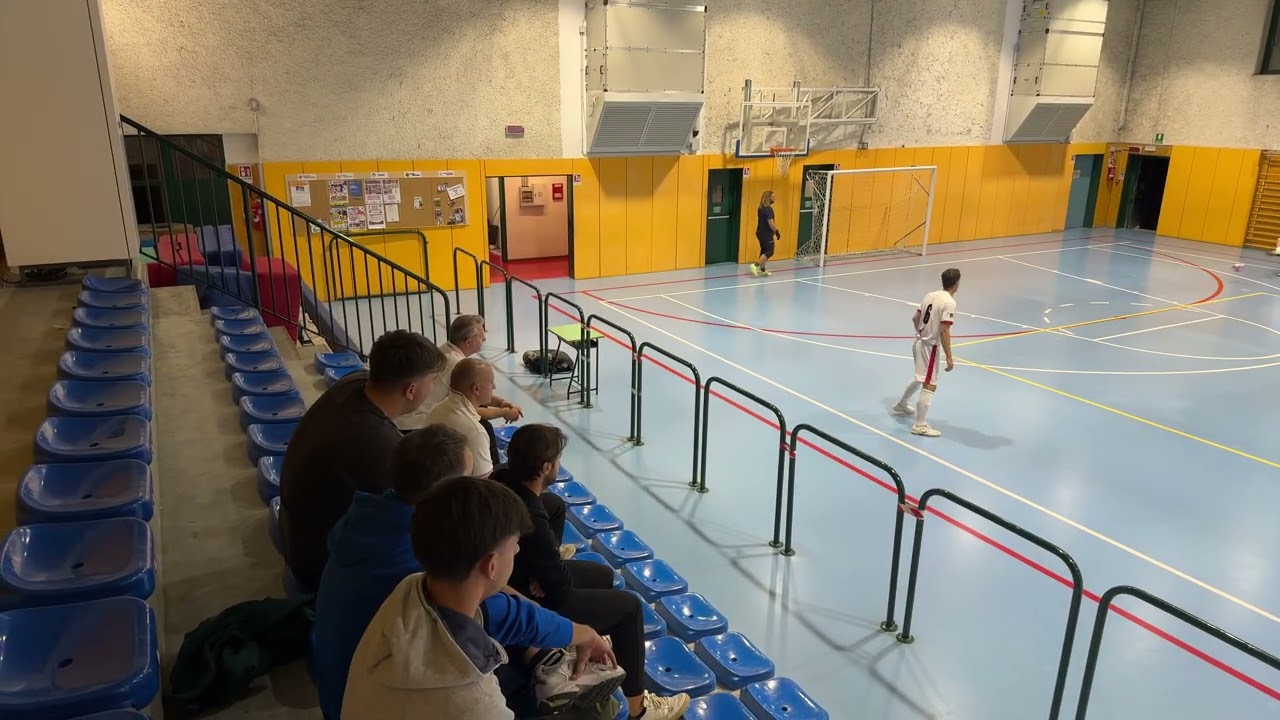
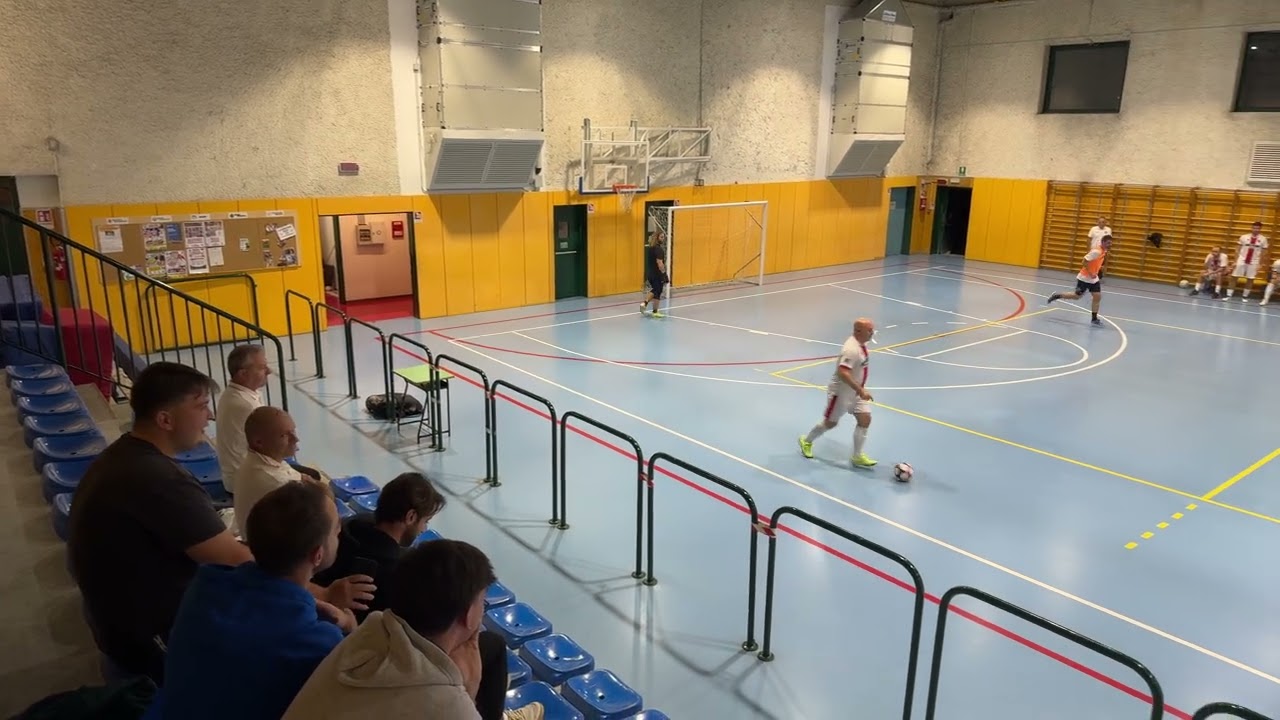
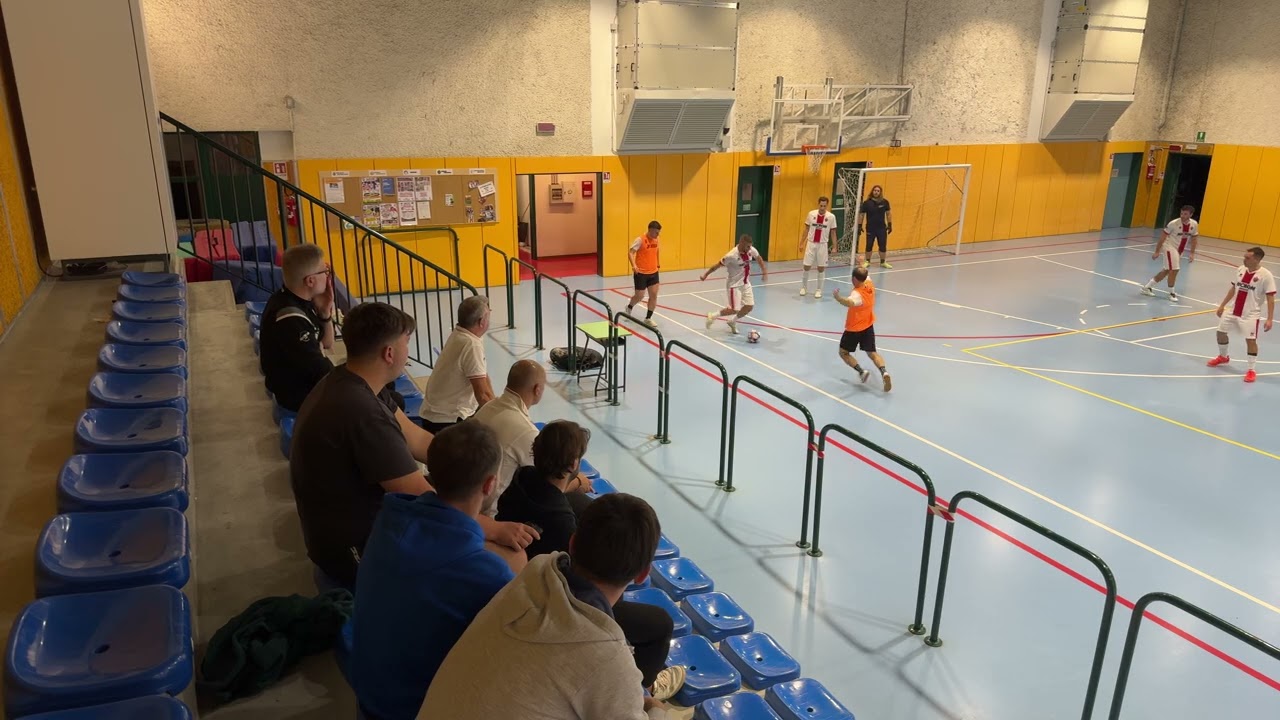
@ferro780 The first two videos are much smoother than the third. I think there is something wrong with the third one. Do you still have the .srt and .log files (in the Files app under the FoloCam folder)? If you can send me those files I’ll take a look.
I’m sorry, but I’ve already deleted all the files from my phone because I’m running low on storage space.
Tomorrow is our first league game of the season, and I’ll try recording the match again. Afterward, I’ll see if I can upload the videos and share the logs with you as well, so you can take a closer look and investigate any issues.
@gchen I recorded the second match and sent you a private message with the videos and logs. Let me know what you think!
I recorded our practice scrimmage tonight so some feedback (similar to others).
Again, very impressed with it so far. Look forward to seeing further feature updates.
Hi FLY!
Could you explain how connecting a second iPhone works? I currently use my iPhone 15 Pro Max for recording, and I also have an iPhone 11 available.
I’d like to understand how I could use the iPhone 11 to remotely control the iPhone mounted on the gimbal.
Next Monday, I’ll be recording our second league match, and I’ll use 30 fps as @gchen recommended. Hopefully, this will help improve some of the issues I’ve previously reported. We’ll see how it goes!
My next test will be recording a youth 11-a-side soccer match, since our club has both traditional soccer and futsal teams. I’m curious to see how FoloCam performs on a full-size soccer field compared to a futsal court.
The user guide says iPhone 13 or higher is recommended so I hope you can download the app on your iPhone 11. Assuming you can, here’s how to connect it.
I hope this helps
I recorded our first game last night – full field dome.
Setup:
Observations:
I didn’t think 4k30fps tracked significantly better than 4k60fps. I’m going to test full game at 4k60fps next, even if I’m forced to stay at 1x.
Overall, it captured about 95% of the action and what it missed wasn’t important. Feedback from the other parents on the team has been positive.
Kudos to @gchen
Thanks to @Skyrex for helping me figure out how to use an iPad as the secondary device. I have now tested this further.
I will use the app to centre the gimbal before kickoff. Great that I don’t have to look up at the gimbal to see what it’s recording.
As mentioned before, would be great to be able to see the phones battery % from the iPad. Please prioritize that feature. Thanks!
Good morning,
I’ve recorded another futsal match using the app.
Recording settings:
Device: iPhone 15 Pro Max
Sport Mode: Soccer Pro
Zoom: 1x Fixed
Virtual Sideline: Off
Auto Tilt: On
Resolution: 4K 30 fps
My overall impression is that the camera’s tracking speed has improved (probably switching down to 30 fps has helped).
However, I’ve noticed that when the ball is stationary (during kick-offs or free kicks), the camera constantly tends to move, almost as if it doesn’t recognize that the ball is not moving. This creates an annoying effect of continuous, unnecessary camera movement.
In some parts of the video (during timeouts or before the start of the first or second half), I had to manually press the gimbal button to lock it in place and then reactivate it when the match resumed. Otherwise, the camera would have kept moving continuously.
I’ve also noticed that sometimes the camera tends to follow a player instead of keeping its focus on the ball (see 5:50 in the video).
The camera movements are still somewhat jerky and twitchy. In my opinion, they should be smoother and more fluid. I’m not sure whether this is something I need to adjust in the Insta360 app or directly in FoloCam, but at the moment, the tracking still feels quite “nervous” and could definitely benefit from smoother transitions.
A single futsal match generates approximately 10–11 GB of data. It would be great to have the option to record directly to an external SSD, avoiding filling up the phone’s internal storage.
Below, you can watch the edited recording that I’ve uploaded to YouTube.
I recorded another full field soccer match with the following changes:
Observations / Results:
Next experiment:
@gchen I’ll DM you my files since I can’t share video publicly for privacy
@Fly @ferro780 The log files show that both of your gimbals were disconnected for extended periods of time. Since you’re using different brands of gimbals, I wonder if this could be an issue with DockKit.
@Fly You should definitely try 2× zoom when filming a full field. At 1×, the ball is too small to be detected consistently.