Just starting out - I have a phase 1 insta360 flow pro, it connected through NFC and I can see active bluetooth connection but the app just shows Gimbal disconnected? I have removed the connection/reconnected via NFC multipel times with no result - using iphone 15 pro max. Any help appreciated
Could you check whether any of the troubleshooting steps on this page help?
https://onlinemanual.insta360.com/flow/en-us/troubleshooting/connect/nfc
Also, please make sure you have an Insta360 Flow Pro or Flow 2 Pro. Other Flow models do not support DockKit.
thats the thing - it connects through NFC, it shows connected in bluetooth connections, but when I open the folocam app it just shows as Gimbal disconnected. It is definately a Flow360 Pro model gimbal. I used the steps in the document shared and the gimbal is connected successfully to the phone
1 Like
Open the Files app. Under the FoloCam folder you should see a folocam_current.log file. If you can send me this file it may have an error indicating the error.
This is flow 2 pro
@Trichy3000 Can you check if FoloCam has the permission to use Bluetooth?
under security & privacy/bluetooth the Folocam app is not listed? Under the Folocam app settings there is no bluetooth option listed either
Uninstall FoloCam first and then install it again. It will ask for permissions to use camera/bluetoooth/microphone/network. You must grant all of these permissions for FoloCam to work properly.
it only asks for network/camera/microphone access?
Can you try pairing via NFC again and take a screenshot when the process is completed (0:44 in @superteuz’s video)?
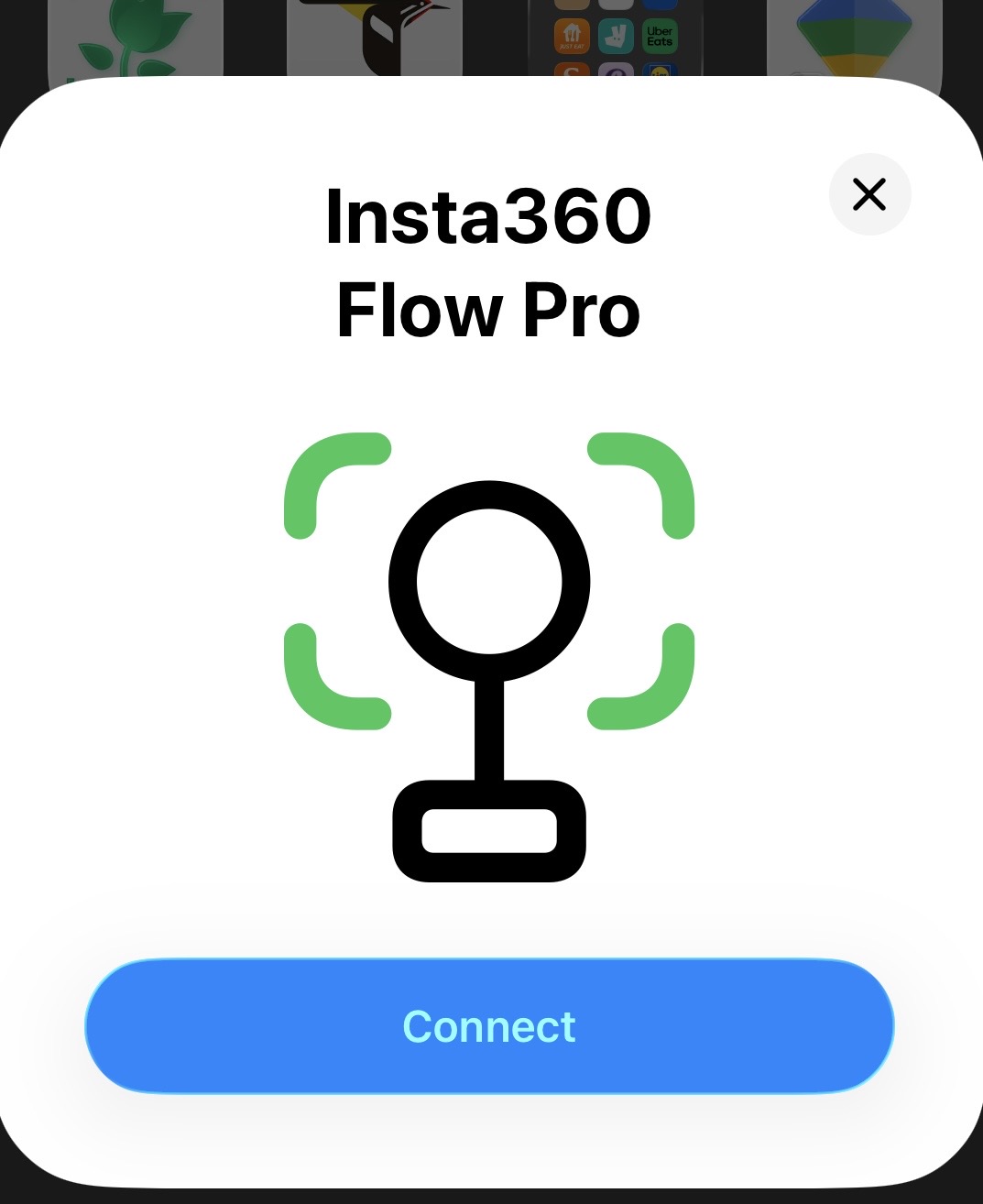
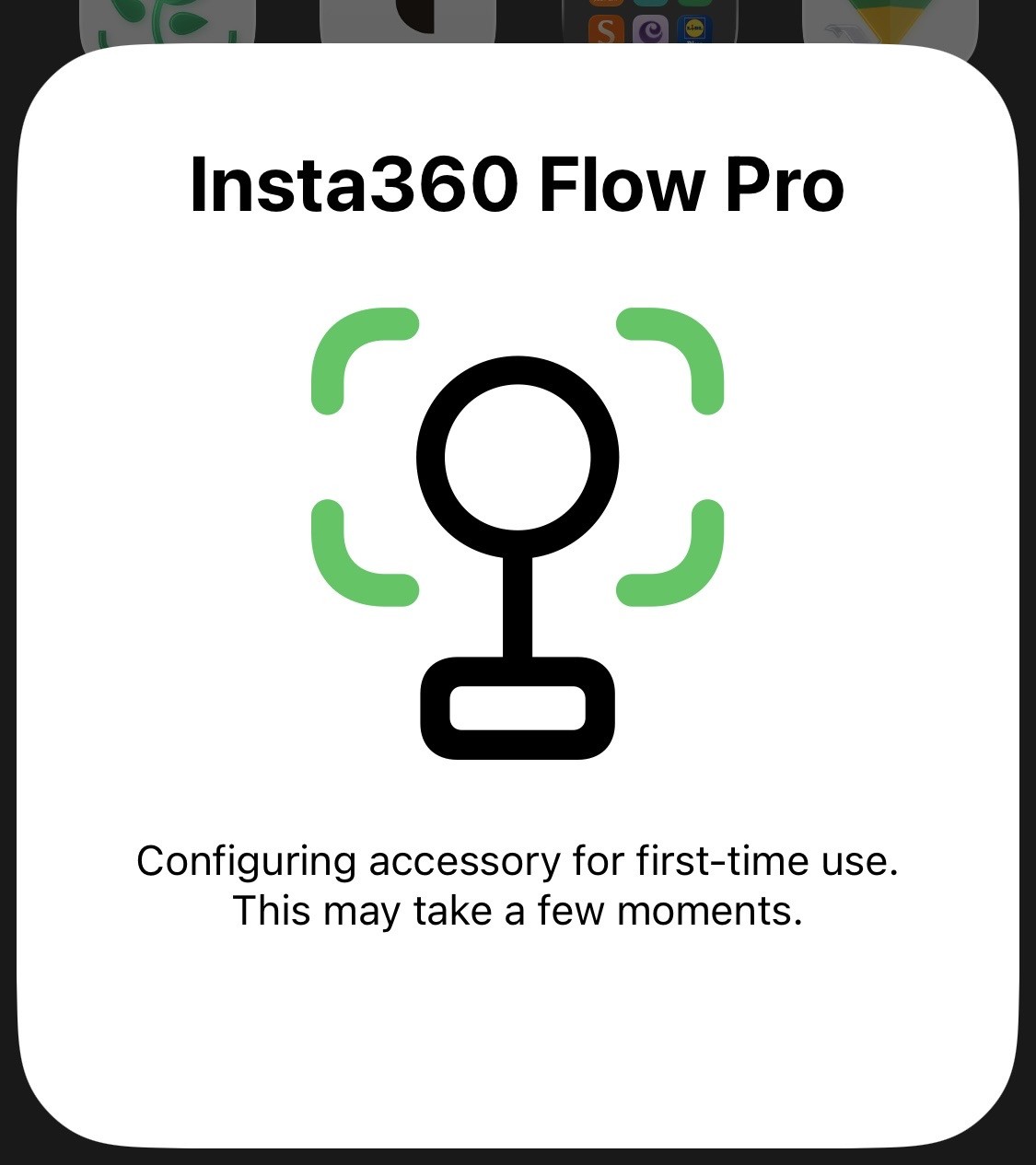
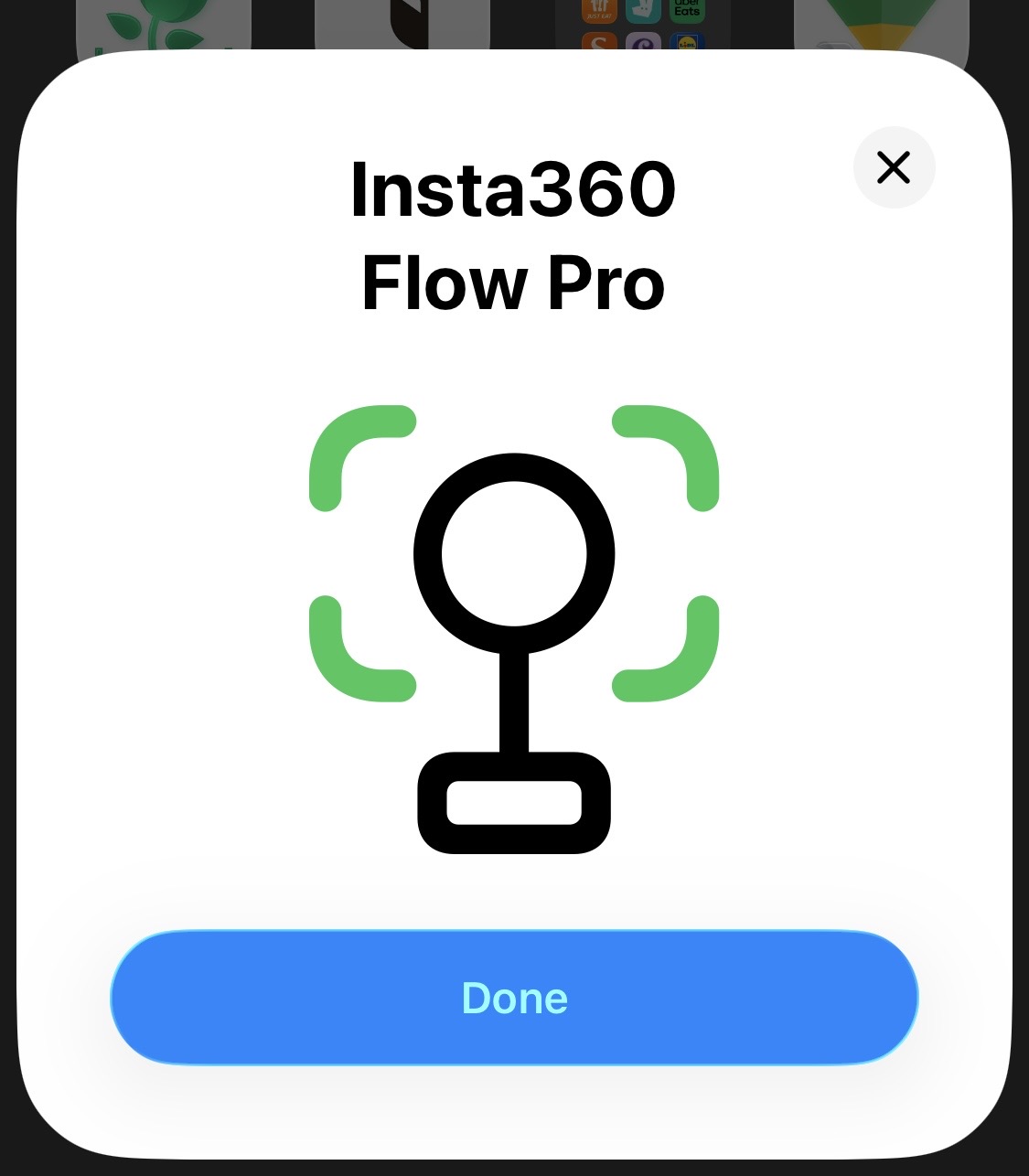
I also suggest uninstalling the Insta360 app before pairing the gimbal via NFC. The Insta360 app may connect to the gimbal via Bluetooth only, which could interfere with FoloCam.
uninstalled Insta360 and folocam, remved bluetooth connection to gimbal, full re-install of folocam (still no request to use bluetooth), NFC connection to gimbal and no change, “Gimbal Disconnected” - seriously though, thank you for your help!
heres the current log file too:
FoloCam v1.5 build 4
[813075248.620] Detector: Pixel transfer session created successfully
[813075248.620] Detector: Buffer pools created successfully
[813075248.621] Loaded verification ID: -000001170330612
[813075248.621] Peer ID: iPhone7656 (hash of verification ID)
[813075248.621] RTMPStreamer initialized
[813075248.623] H.264 compression session using bitrate: 5.0 Mbps (5000000 bps)
[813075248.625] H.264 compression session created successfully
[813075248.625] Audio converter will be initialized on first audio frame
[813075248.625] Pixel transfer session created successfully
[813075248.625] Resized buffer pool created successfully (1920x1080)
[813075248.625] No saved tracking mode, defaulting to Basketball
[813075248.625] No saved zoom level, defaulting to 1x
[813075248.626] TrackingCoordinator: Initializing with Basketball mode and 1.0x zoom…
[813075248.657] Dual camera available: true
[813075248.657] DockManager: Sport mode set to basketball
[813075248.657] DockManager: Starting monitoring…
[813075248.658] inf: 0.0ms mem: 13M cpu: 31% bat: 90% thm: nominal
[813075248.667] Started advertising as: iPhone7656
[813075248.690] VolumeButtonHandler: MPVolumeView created
[813075248.691] Preview layer not available in makeUIView
[813075248.694] VolumeButtonHandler: ===== ACTIVATING VOLUME BUTTON HANDLING =====
[813075248.727] VolumeButtonHandler: Current system volume: 0.5
[813075248.727] VolumeButtonHandler: Volume observer registered
[813075248.727] VolumeButtonHandler: ===== ACTIVATION COMPLETE =====
[813075248.750] SubscriptionManager: Premium = false (none)
[813075248.766] SubscriptionManager: Loaded product: Premium Yearly - £49.99
[813075248.818] Using camera: Back Camera, type: AVCaptureDeviceTypeBuiltInWideAngleCamera
[813075248.818] Active format dimensions: 3840 x 2160 @ 30fps
[813075248.818] Zoom range: 1.0 - 129.125
[813075248.818] Field of view: 74.59712 degrees
[813075248.830] Audio input added successfully
[813075248.830] Audio output added successfully
[813075248.830] Camera session configured successfully
[813075248.830] Camera permission granted - restarting dock monitoring
[813075248.830] DockManager: Starting monitoring…
[813075248.831] VolumeButtonHandler: Set volume to 0.5 for button detection
[813075248.832] Preview layer added in updateUIView
[813075249.221] Model ‘folocam_basketball_s4’ loaded successfully
[813075249.221] TrackingCoordinator: Basketball mode initialized (model loaded)
[813075249.223] TrackingCoordinator: Starting camera (model already loaded: Basketball)…
[813075249.223] Starting camera capture session…
[813075249.331] DockManager: Toggling system tracking to force state update…
[813075249.347] Camera session running: true
[813075249.348] Zoom: 1.0x | Device zoom: 1.0x | FOV: 74.59712°
[813075258.740] inf: 22.7ms mem: 549M cpu: 73% bat: 90% thm: nominal
When you mounted the iPhone on the gimbal, did the green ring around the gimbal’s NFC area light up?
no, it does not. It does light up when I used the insta360 app to test some recording and i put it in locked mode though
I tried myself: without opening FoloCam, when you mount the iPhone to the gimbal, the green ring would light up, and then the iphone would tilt up and down a little bit. That indicates the connection has been established. If your gimbal doesn’t do that, maybe it remembers the connection to the Insta360 app and refuses to connect other ways?
OMG its worked!!! I deleted all apps, did a full reset of the gimbal/phone/my mind then connected by NFC, I have the green ring of greatness and it even asked for bluetooth - thank you for your help
Glad it’s finally working! Thanks for sharing what you did. Your experience will be valuable to others who run into the same issue.