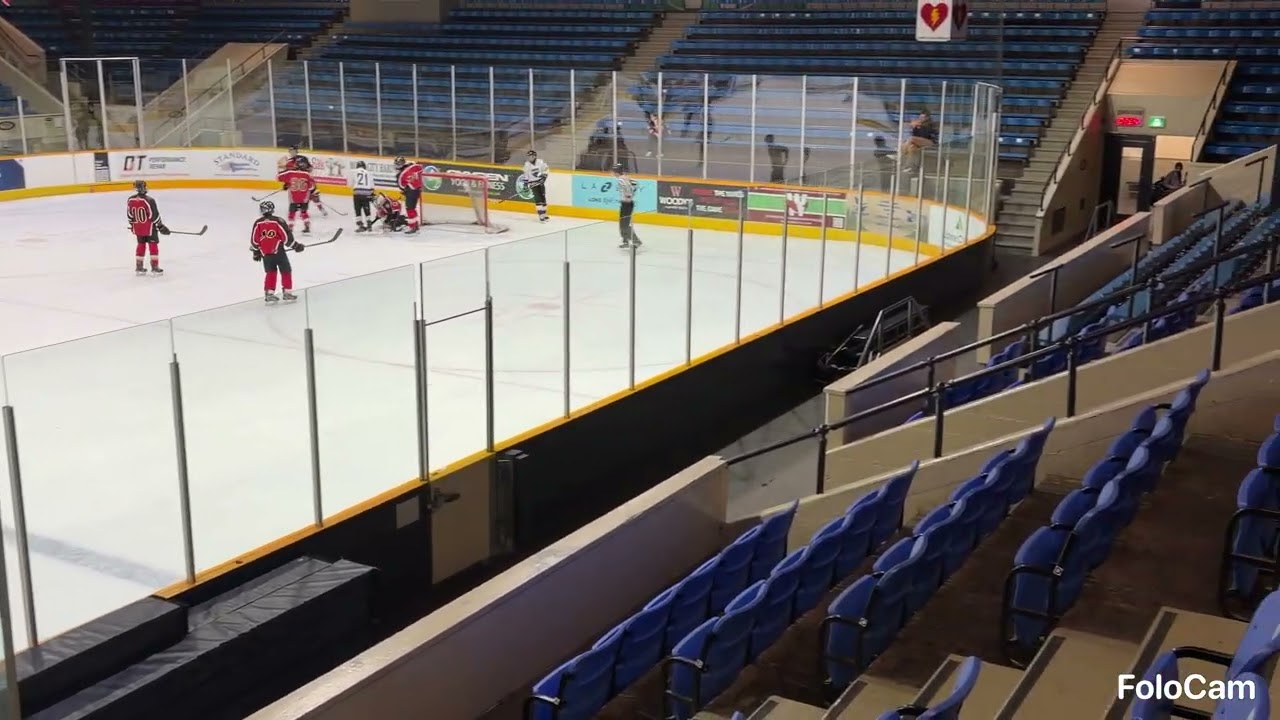
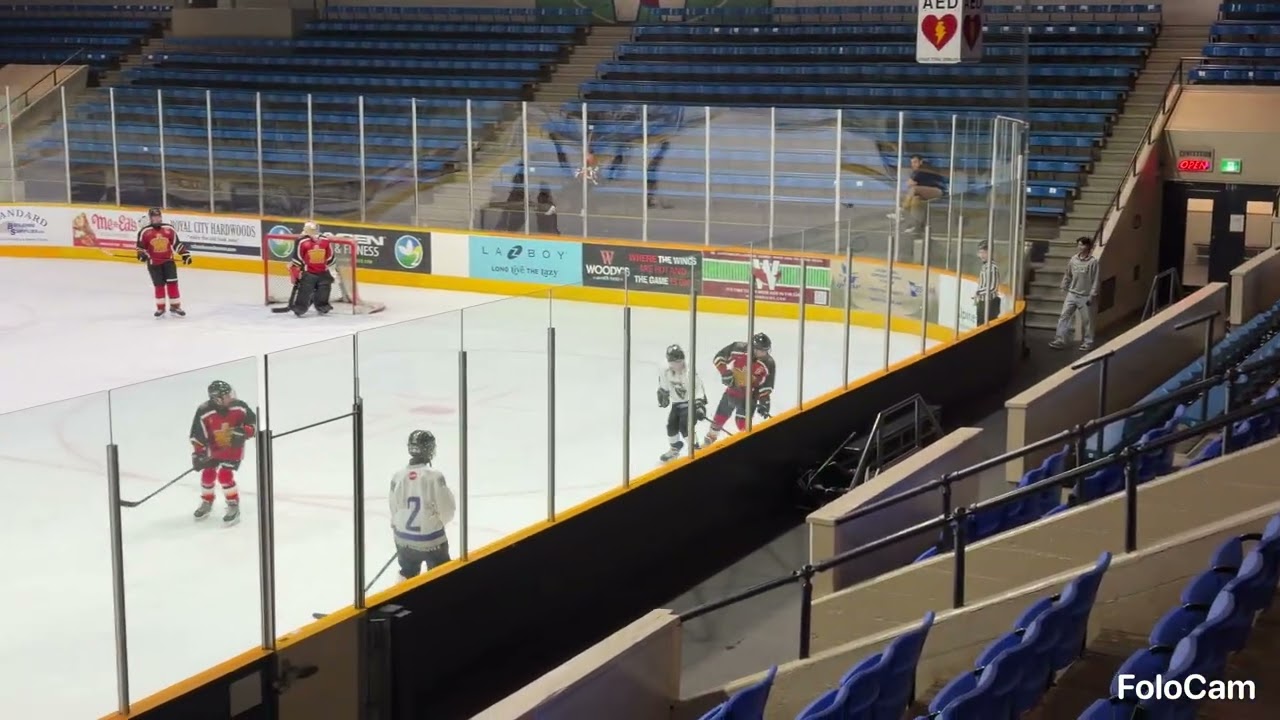
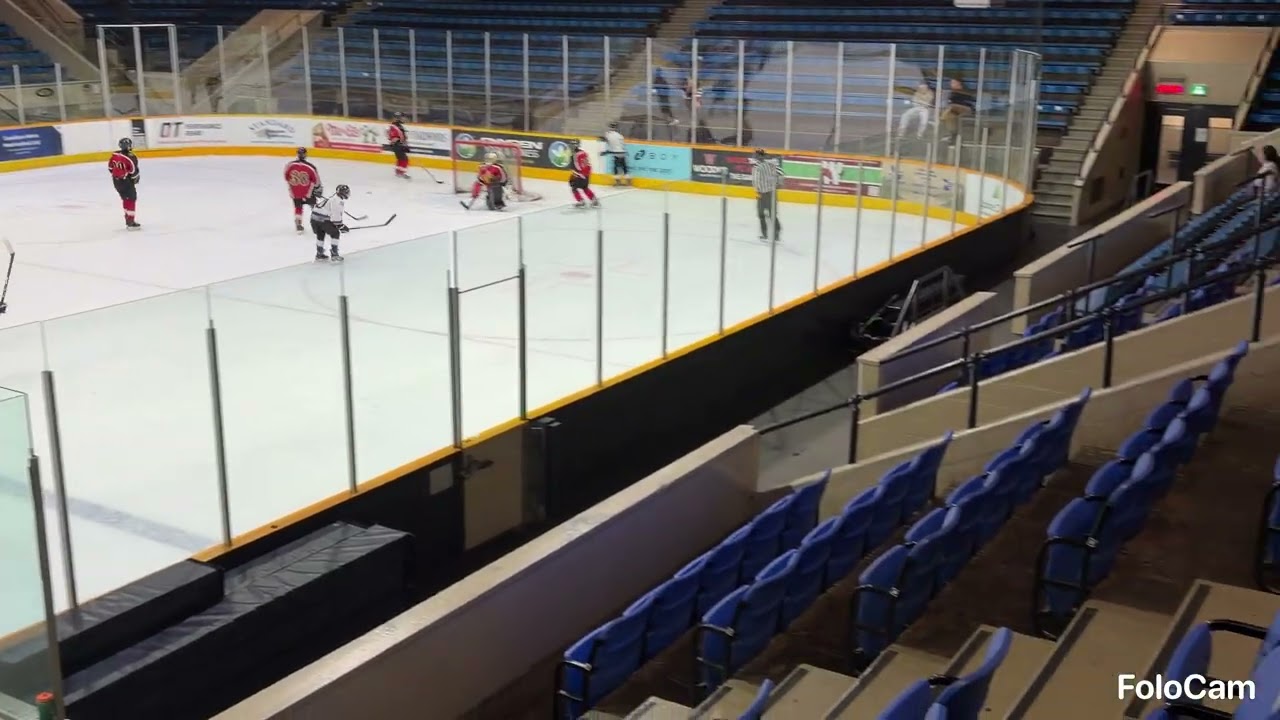
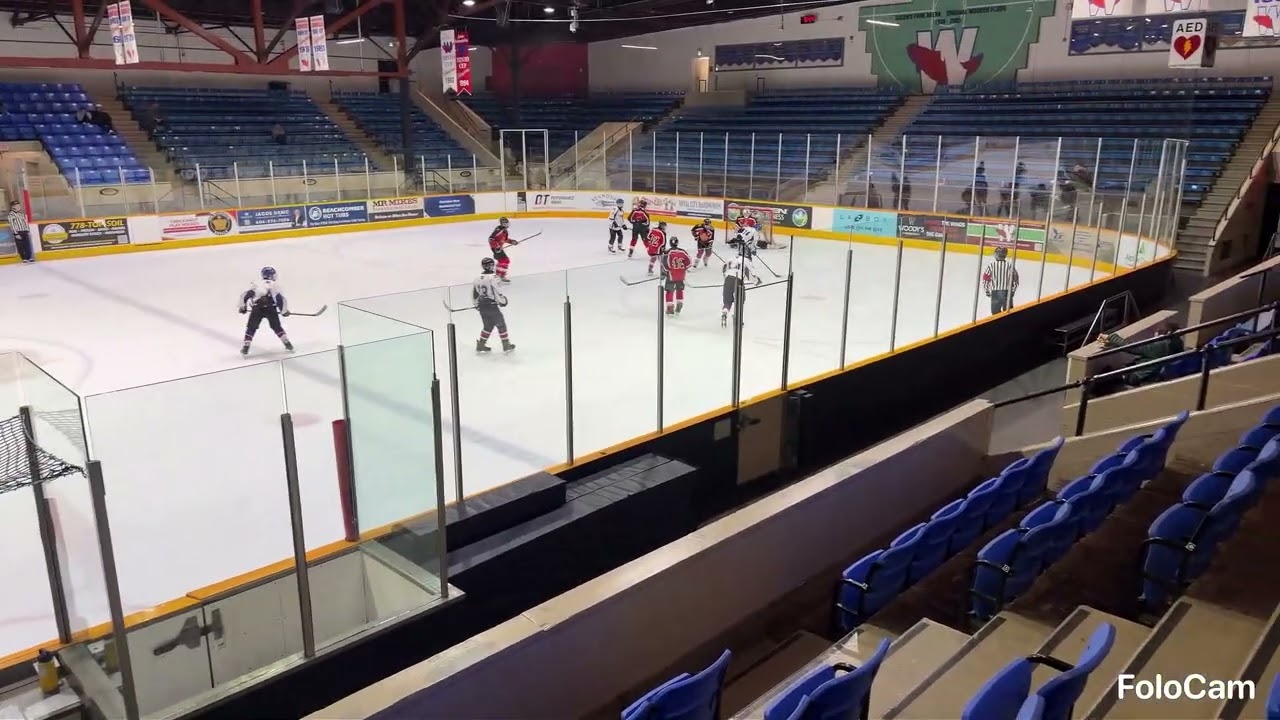
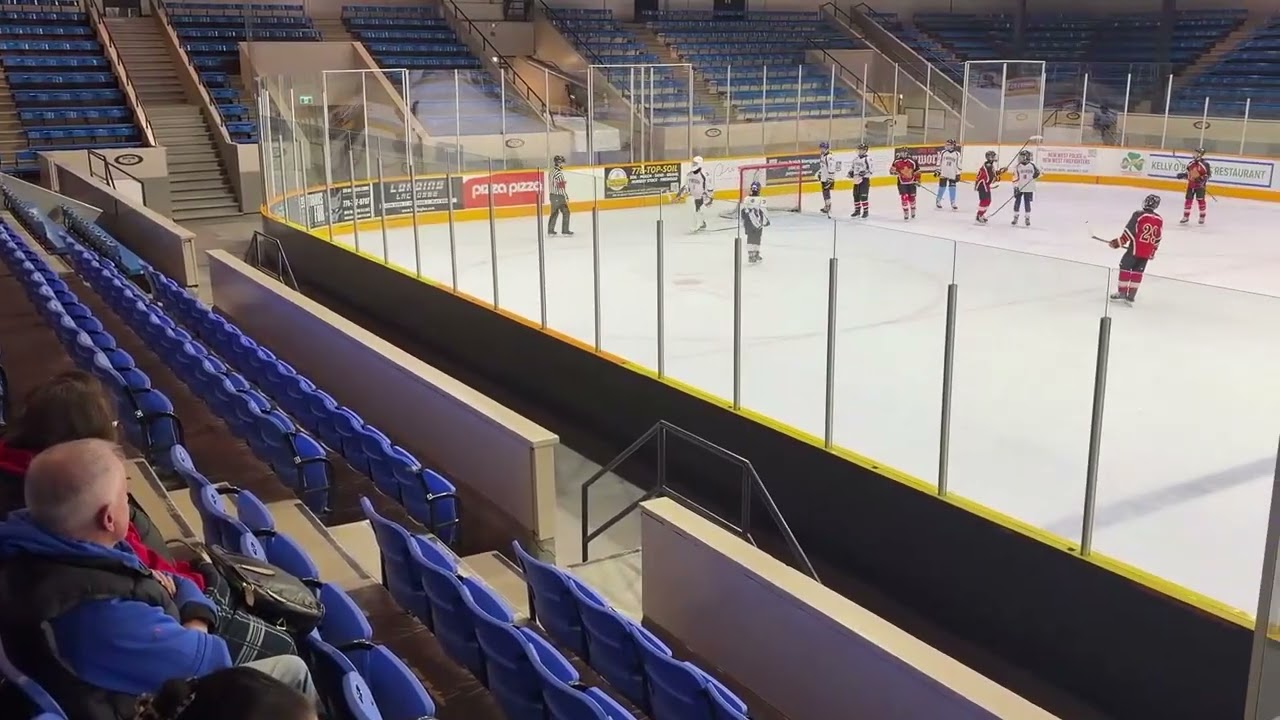
Kids Ice Hockey Video Samples > Insta360 Flow 2 Pro + iPhone 17
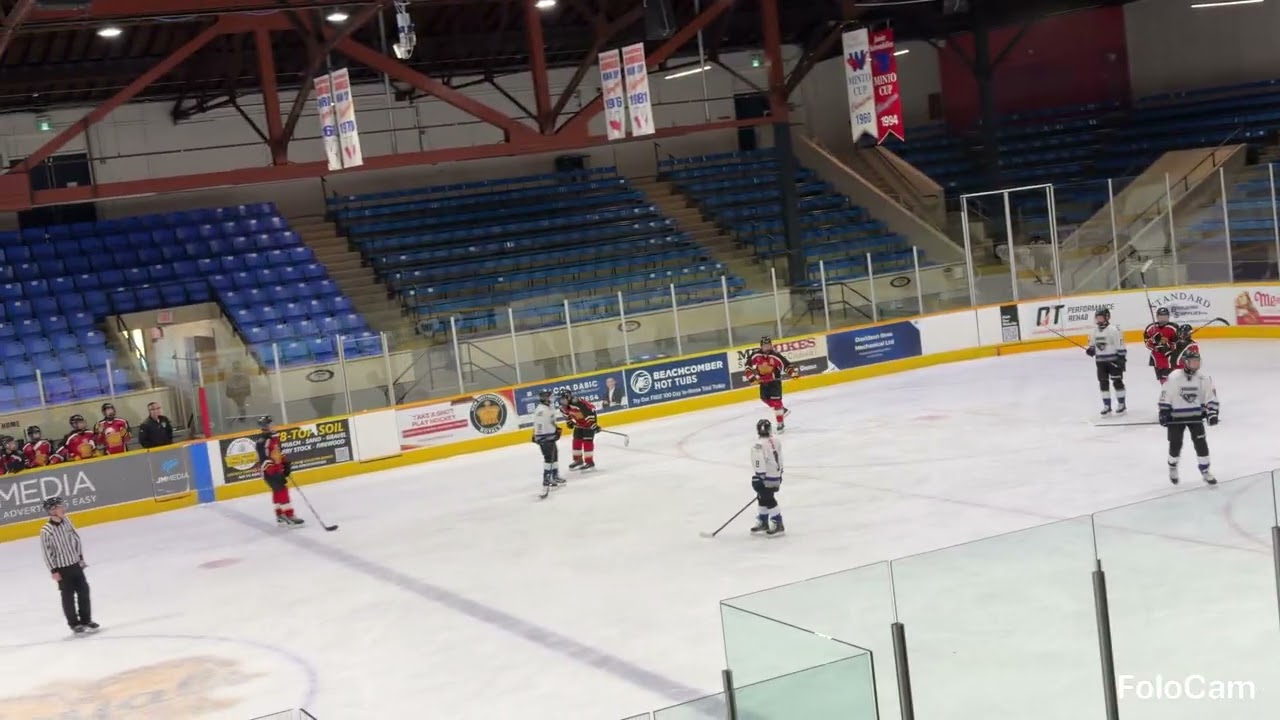
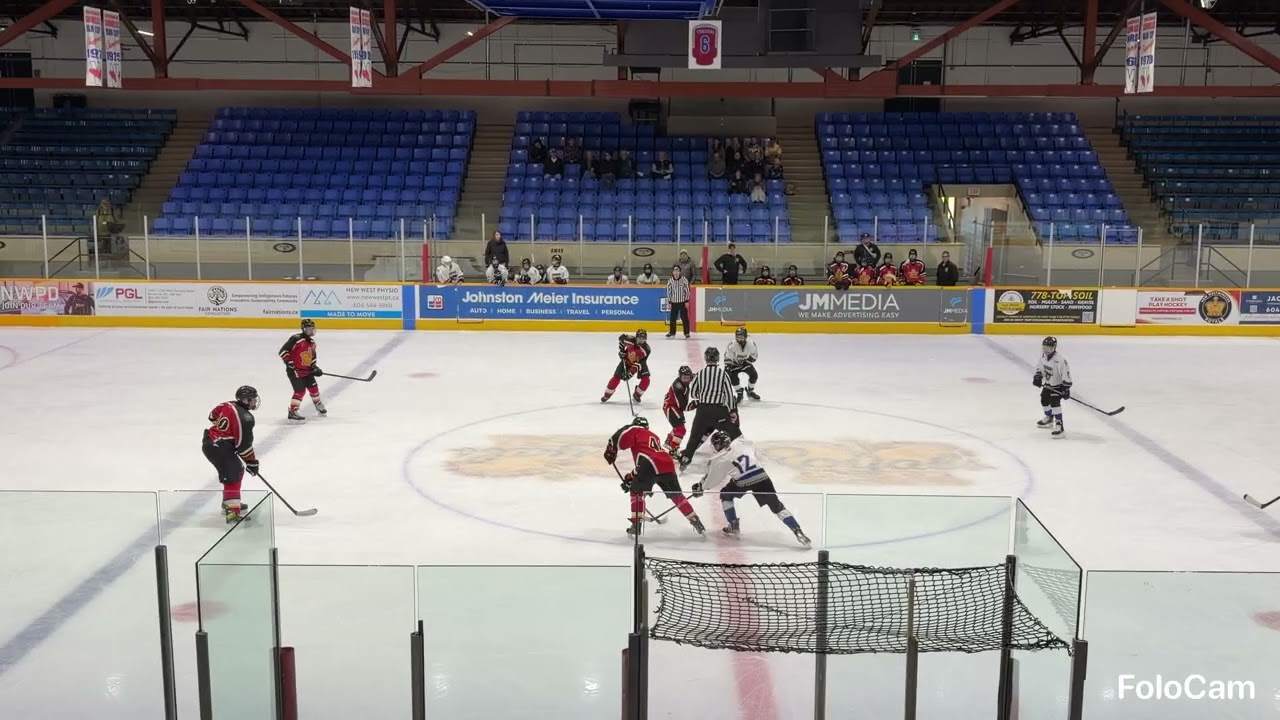
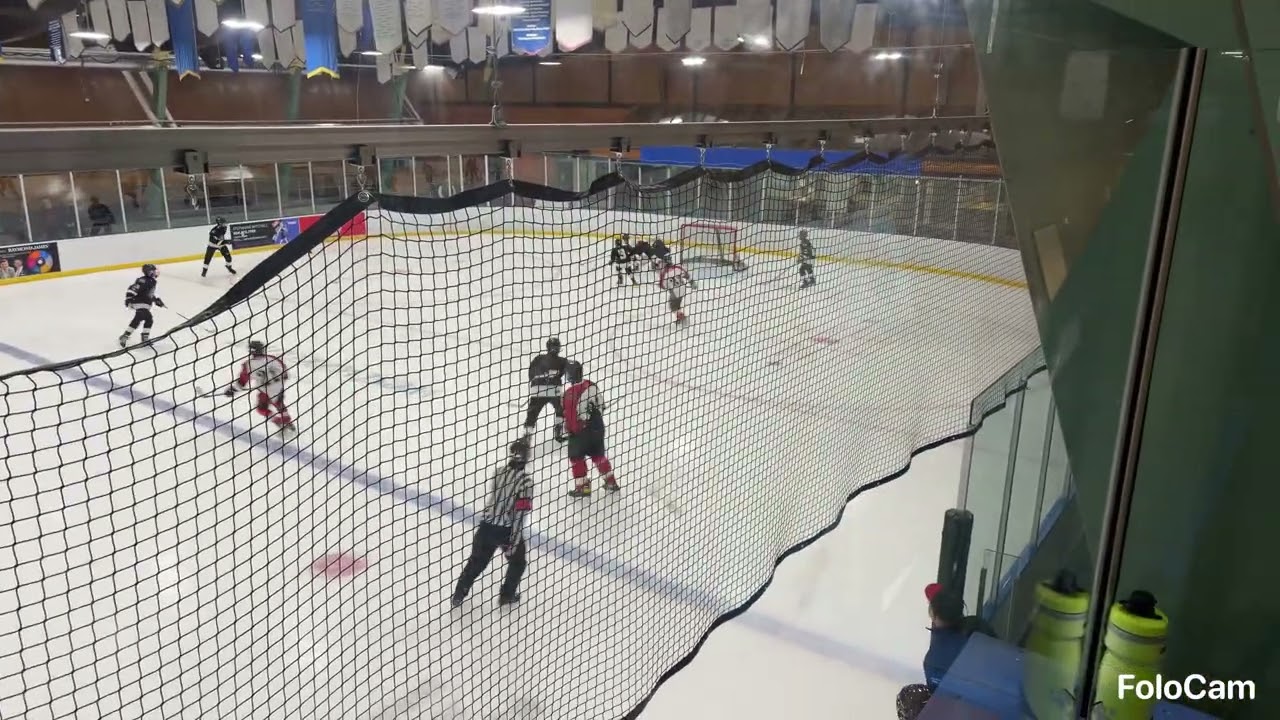
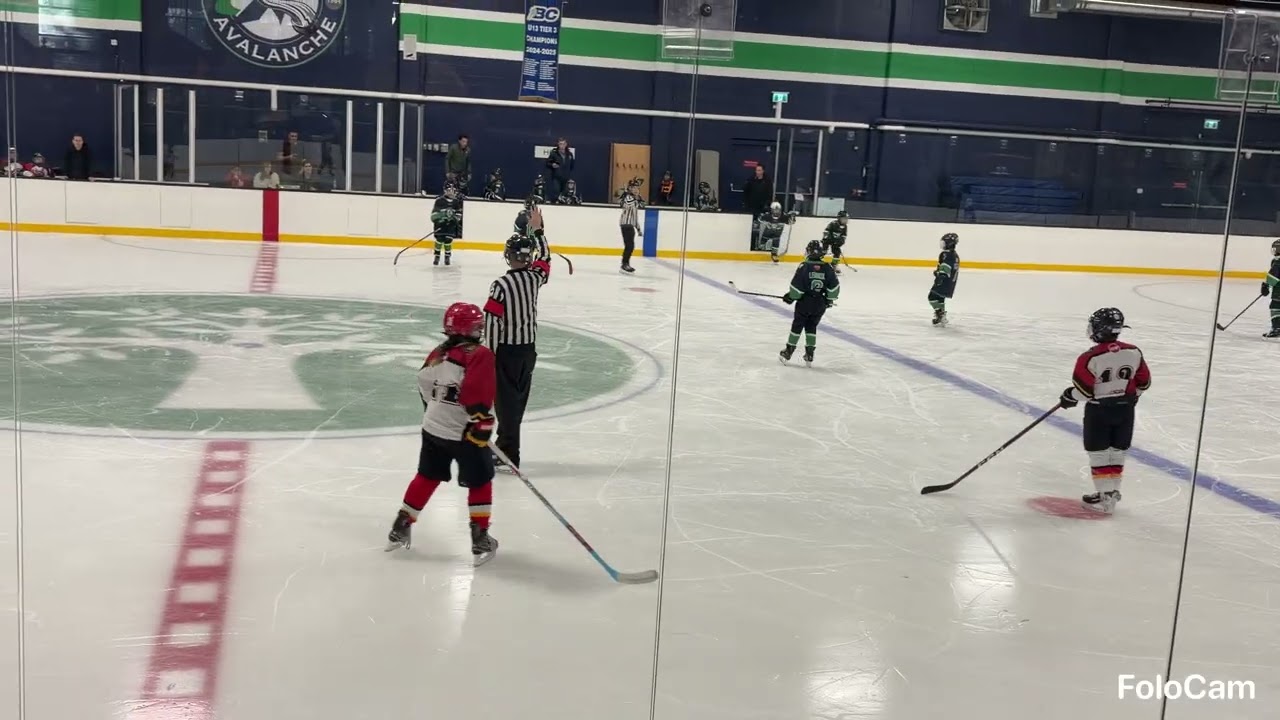
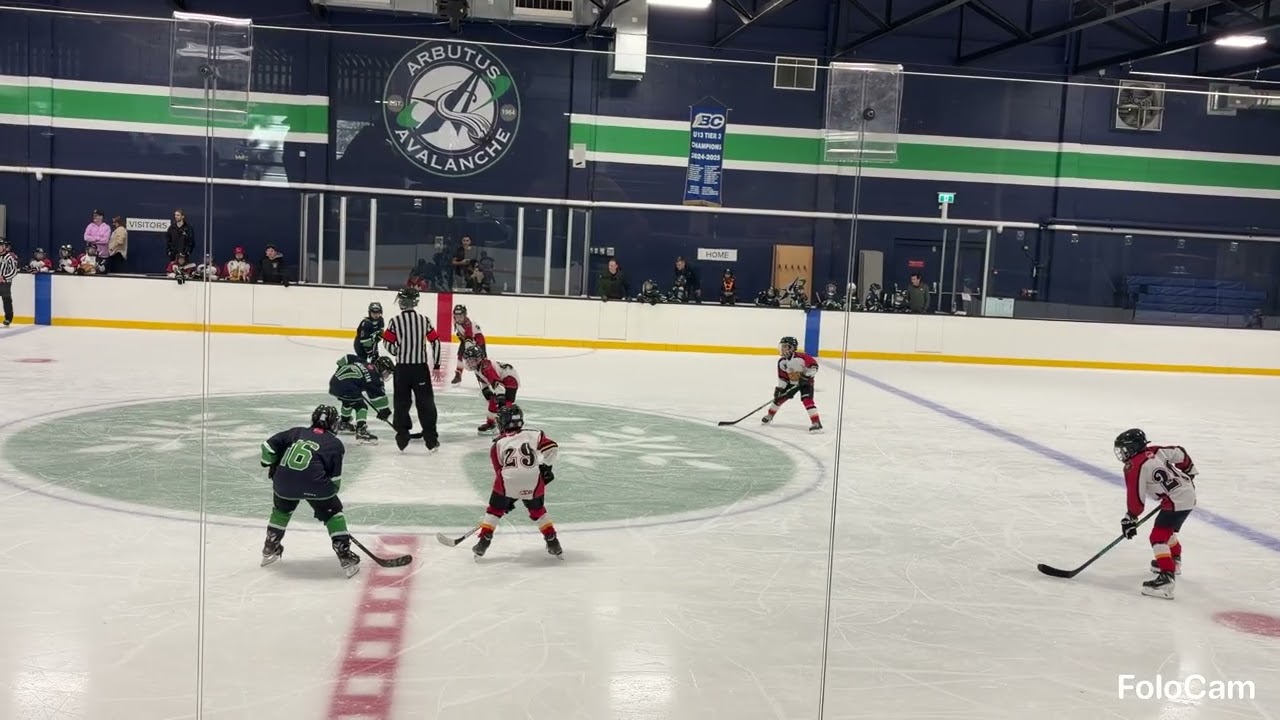
First batch of videos literally right out of the box trying all the different view/zoom/gimbal/app settings mostly randomly and seeing what is possible with absolutely ZERO configuration knowledge to start after figuring out how to pair it.
I will try to provide specific settings and tips/techniques in future video posts but also list feature requests and comment on any issues that appear.
But very happy with these first test results which will be improved as soon as I figure out the best settings.
While it may not look like it from this distance, the players are moving much faster than almost any soccer player so if the tracking can be perfected for hockey then all other sports will look great as well.
Better than expected and looking forward to future improvements and better quality videos as soon as I figure things out.
Feel free to ask me any questions below and I will try to answer them.
I’m mostly using FoloCam for arenas that are difficult or impossible to manually film. In the arena with your examples, I would have manually filmed there. I’ve been providing feedback to Gilbert the core developer to see if he can use my feedback for Ice Hockey and improve that AI profile. I know he’s focussing on being able to detect the puck which I think is huge but for filming I’m trying to provide other parameters for viewability as well.
At this point, there essentially 2-3 core issues esp. when filming closer to the ice surface (Arenas with no stands).
AI gets distracted by non-play objects
Camera likes to sometimes focus on the Ref or can’t decide if the Ref’s are the focus or the players. When players are changing on the fly, the camera will focus on them as they become larger in the focus (if filming behind the benches). When this happens, it will likely miss the faceoff or actual play
Too many small left / right panning adjustments
Because of all the immediate adjustments full left / full right, watching a player skate smoothly across, becomes difficult for viewers and with larger screens can become a bit nauseating. Not sure if the gimbal can be told to just slow down the pan left rather than begin a full right pan which jerks the phone. I’m using an iPhone 16 PRO Max so it’s heavier and I may need to change to a lighter phone
Panning beyond edge of the arena
This ends up being unnecessary and can cut off the blue line in the endzones. I’m hoping an arena or pan max / min would help stop the camera and just keep the camera still instead of the issue above esp. in the endzone when viewers want to focus on the action instead of trying to adjust to the left / right micro adjustments.
Let me know some of the Insta360 settings you are using that you have found to help with FoloCam? I think I’m just using auto mode and the motor is set to full strength.
You will notice that 2 of the videos are the same video that I post processed with iMovie stabilization. It dampens some of the left / right pans though it creates a bit of a revolving door effect around the player in focus, at least it keeps the player from moving left and right out of the center.
Yes will try some setups next to the glass and closer to the play soon.
Your videos are very good too and it follows the play pretty well.
It has been mentioned in other threads if the left and right panning could be restricted to not go past a certain point then the chances of getting lost would be almost nil.
Right. If you’re running the TestFlight version, just turn on Virtual Sideline and set the tripod height and the distance from the tripod to the sideline as accurately as possible. You’ll then see a yellow virtual sideline on the screen that should closely align with the physical sideline. This will help keep the gimbal focused on the field.
That looks like it sets a lower range but I wonder if an upper range would also be useful which could then be used to allow for a more dynamic zoom that tries to cover as much of that zone as possible at all times?
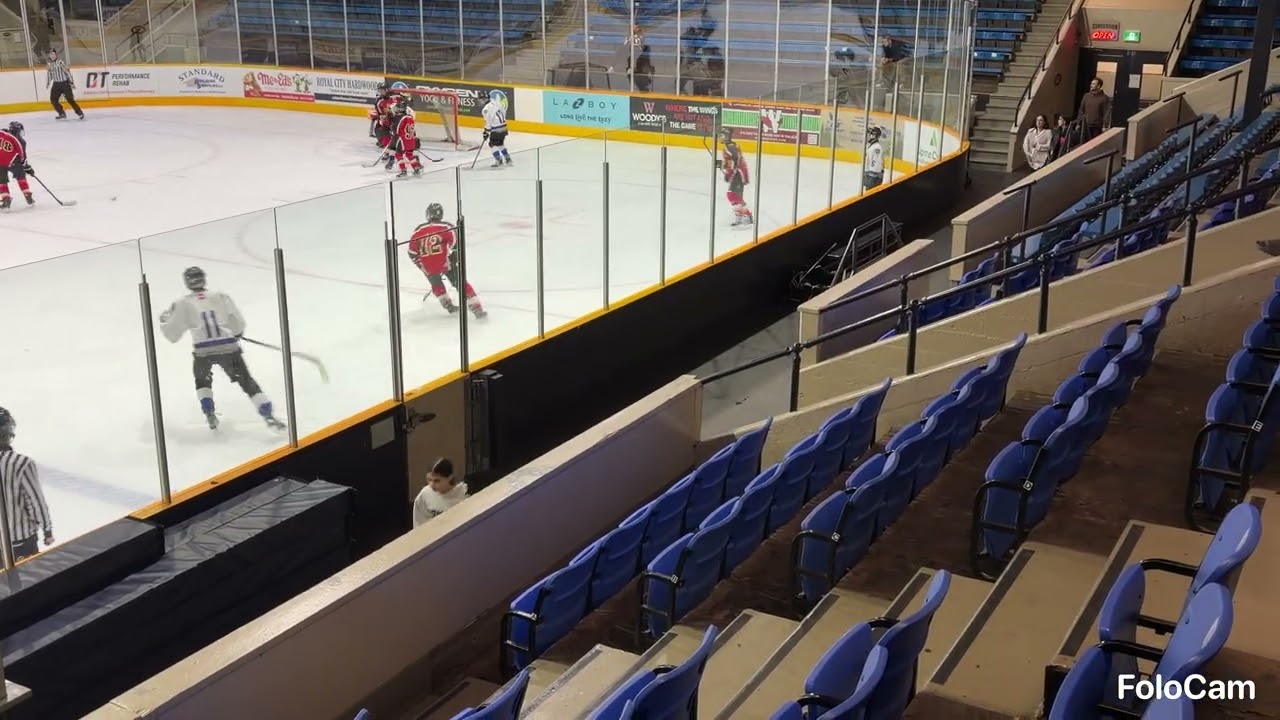
In some of my videos a lot of the far side crowd seats are included in the picture.
Watching one of the videos I noticed one time that it panned left to the bench when players were heading back and stayed there while play resumed off screen.
And then when play returned to that side of the ice it started tracking properly again.
I am assuming the tripod is too high for you to correct it when that happens - and that you aren’t using another iPhone as a remote control?
Yeah its too high to correct. Im wondering if i set the virtual sideline to inside the ice surface near the side… like maybe 1m inside the surface if it might ignore people coming off the ice…
It is something I am going to try this week if the arena layout allows it.
In conjunction with the virtual sideline as the tracking algorithm progresses, I am hoping that it will able to identify and prioritize the white ice surface to always remain 100% in the recording view which includes the top area as well.
Yeah that’s the tilt function. I did mention that to Gilbert as well. The tilt works well at the endzones and adjusts so that the ice is in the middle but the neutral zone it tends to be aimed too high and should have more ice, less walls and ceiling of the arena.
On Saturday, I will be filming manually and I’m going to use that as my base of what would typically be idea for viewing and tracking. I feel it’s actually simpler esp in the endzones where less movement is actually better.
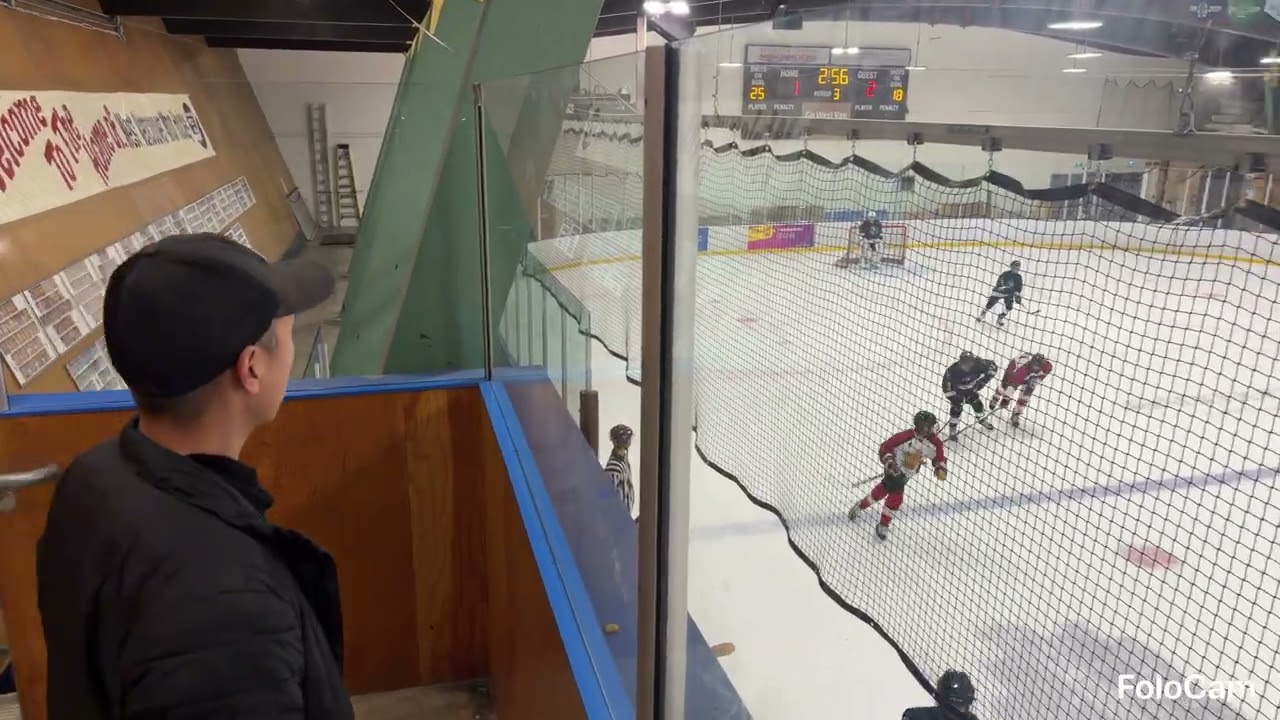
Some newer videos at a different arena trying out different settings such as virtual sideline and using different tilt/height settings to try and cover as much of the ice surface as possible.
I felt that the video tracking was more jerky at times trying to track the action - possibly because of the black netting?
But at least it didn’t get stuck panning too far to the one side as much as before which I can attribute to the virtual sideline feature.
However, I could see with the virtual sideline, one problem is if you are not directly dead center in the middle then the cut off angles will be off too wide on one side and too narrow on the other side. In this video case, if filming right of center, then the sideline is deeper on the left and shallow on the right.
For virtual sideline, I think I had better results - less over panning - when using values higher over the actual distance. But also had to use a fixed tilt to catch more of the action right below and less far side crowd at the top.
Definitely some trial and error needed before each game to find the optimal scan zone.
I’m going to try the virtual sideline again for the upcoming sunday game and see how it does. I’ll be playing in a rink that is notoriously horrific for filming so we will see how FoloCam does!
Another note… the genius who thought thick nylon black netting was the choice color and material should be personally responsible for removing and replacing all arenas in North America with thin clear fishwire.
Forget the camera trying to focus… even the human eye has a hard time with it…. brutal.
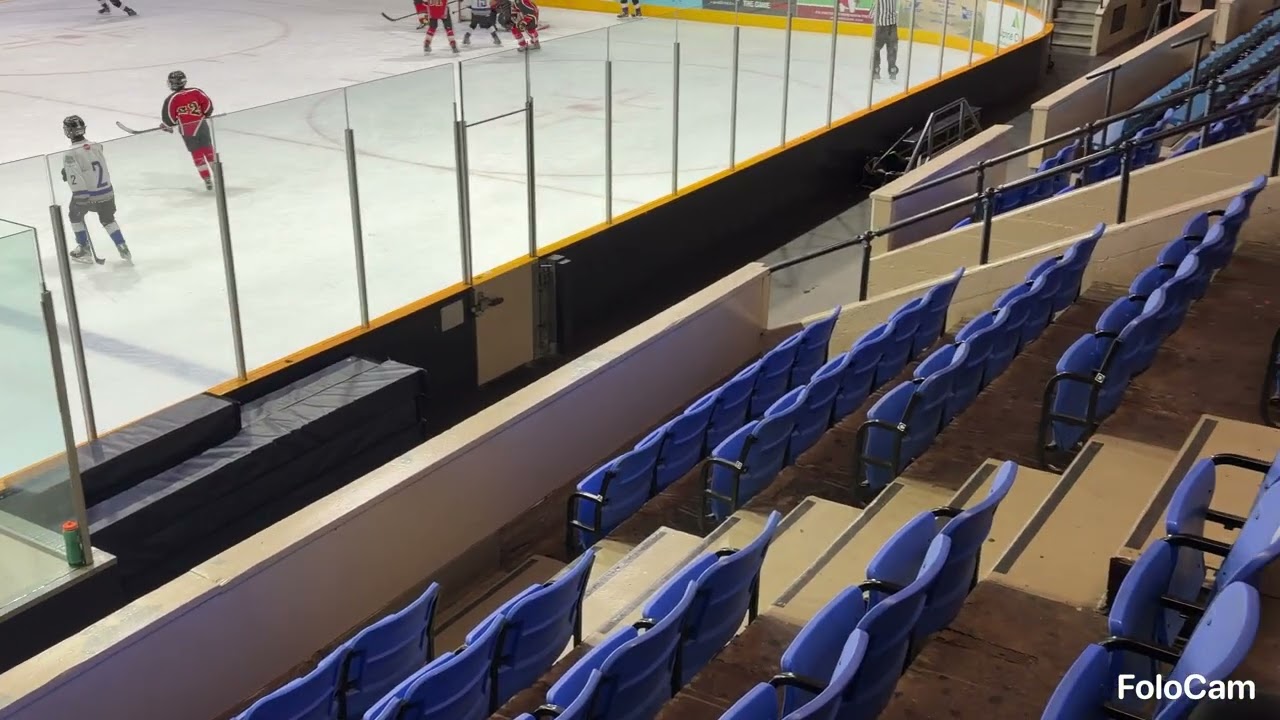
All the seats in that arena were low so the black netting not really an issue except for the one walkway raised area I setup in.
But lower along the boards in the center was impossible because the of the benches or scorekeeping penalty boxes in the way.
If possible I am thinking of maybe getting a strong suction cup mount and trying the camera right above the glass line next time I do scorekeeping in the box.
After another game today I think shooting from distance in the stands using 1x zoom will be my default going forward so that panning errors are virtually eliminated.
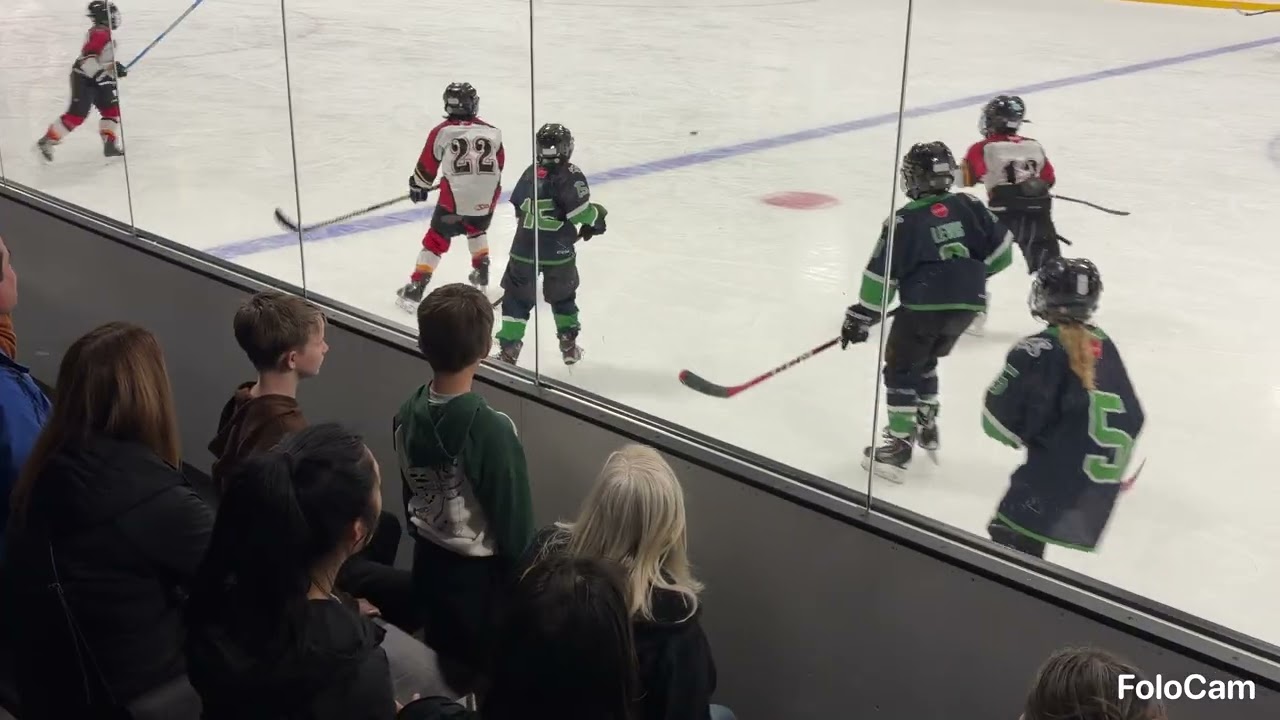
At the moment if too close then super fast rushes up the ice and especially ones that pass by right in front on the closest side go into a blind spot and tracking gets lost which happened a few times today.
When I post the videos I’ll try to indicate the times when that happens and I have to manually twist the phone into the right direction so that it doesn’t miss anything.
if I get the same kind of arena like I do with my manual filming sample… I’ll continue to film manually as the end product is superior. The rinks that I cannot do that with, which are the difficult up close situations… I’ll use FoloCam and iMovie stabilization post processing.
There is a reason why professional sports esp. hockey are filmed with human operators.
I had the pleasure of demoing one of the production cameras Sportsnet / TSN / NHL hires / uses from Dome Productions. Just amazing. 200x optical zoom Canon lens. The lens alone is 250k. Rest of the camera full assembly, servos, attachments, etc, etc is like a 600k camera and they have several of them when they cover NHL games. Zoom is an analog thumb control and you can vary the zoom speed… it’s super smooth too. Crazy
In this 1st period video the camera gets behind the play when the player speeds along the near side quickly and the puck is out of sight at the following times - A few times I turned the camera manually to catch up to the play to not miss anything
5:20
10:09
10:38
14:02
15:10
Using zoom @ 1.5 and being very close to the ice level and the boards probably makes tracking more difficult.
Next games will be in 1x zoom and 60fps to maximize the playing area which will provide the highest likelihood that it follows the play 99% of the time and I can leave it running without supervision.
Here are two highlight videos that should be played simultaneously side by side which you can do on a desktop play both together.
Original raw video is 1x zoom but the second video has been stabilized to reduce jerky gimbal movements with the unexpected stabilization side benefit of cropping/zooming the overall picture.
Davinci Resolve was used for stabilization.
Processing original video and stabilizing it currently seems like an ideal compromise that produces a better watching experience until tracking gets smoother and better and perhaps 1.25x zoom 60fps can become available.
I agree with FLY as well. Stabilization is a must for post processing. I tried Davinci Resolve as well but I couldn’t get the right combo for my videos. iMovie did a good job at 33% crop which I usually drop down a bit to 20-28 which still does a good job when I need a bit if a wider view.
I see that your video is on a bit of a tilt. If you use the clamp that came with Insta360, you should be horizontal. You just need to do a reset before you film. Had the same issue with my first video. If you are using the mag mount, you will need to level that mount by eye. I suggest pulling down the ring stand so that is’ facing you in a line and eyeball it to your phone’s edge and rotate the mag mount until it’s near level to the phone.
To reset the Insta360. Have the gimbal as close to level and upright as possible. on your tripod perfectly level (assuming you have a level bubble, etc). Insta360 should be on. If the green bar light is on… it’s already in AI follow mode and linked to the phone. You need to turn that off by pressing the trigger button once. The green light will turn off. Then press the trigger button twice and the gimbal will reset and your phone should be perfectly upright, no tilt. This is where you also verify that everything looks horizontal, etc. Then press the trigger button once to re-activate the green bar light and it will connect to FoloCam. Then press record and raise the tripod as needed.